
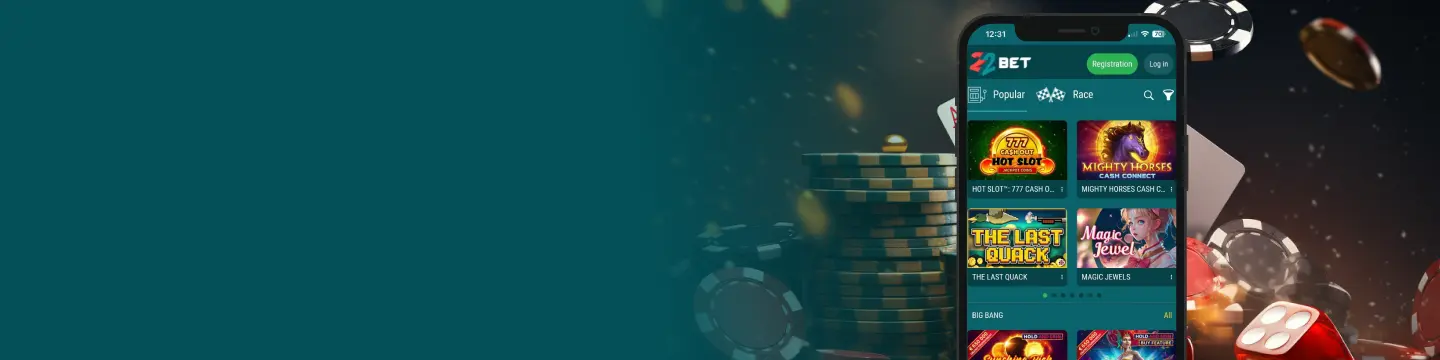
Once set up, the 22Bet app can easily replace the desktop version of the platform. You can install the Android app from the official Applications/Mobile page. The iOS app can be downloaded from the App Store, and the mobile website mirrors almost everything if you’d rather not install it yet. Let’s dive into the details, shall we?
Is There a Mobile App for Android Devices?
Android uses a direct 22Bet APK file installer from the site. This avoids third-party sites and apps and keeps updates simple. It installs over your existing setup without changes—your NGN wallet, markets, and official promotions mirror the mobile web, so switching to the app feels seamless.
For a smooth first run, allow “installation from an unknown source” just for the APK, then switch that permission off again. We also enable notifications for settlements/price moves and disable aggressive battery savers to ensure odds refresh and streams remain stable.
How to Download and Install the Android App?
Go straight to the 22Bet app download button in the Applications/Mobile page.
- On your Android phone, open 22bet.com → Applications/Mobile.
- Tap Download for Android to get the APK file.
- When prompted, allow “install from this source” (you can turn it off again after).
- Open the file and tap Install.
- Log in, set NGN as your wallet, and start betting.
Updates arrive via the app, or you can download the 22Bet APK from the website directly when new updates are rolled out.
What are the Compatible Devices?
Most modern Android phones are fine. Here’s a simple snapshot so you don’t overthink it:
| Requirement | Recommendation |
|---|---|
| Android OS | Android 8.0 or newer |
| RAM | 3–4 GB+ for smooth live odds & tables |
| Storage | ~1 GB free to handle updates and cached streams |
| Connectivity | Reliable 4G/5G or Wi-Fi for in-play and live tables |
Tip: If the app feels sluggish, disable aggressive battery savers and switch to a stable network.
The 22Bet Mobile App for iOS Devices
The iOS route is the normal App Store flow—no profiles, no sideloading—linked directly from the official page. Updates install automatically via the App Store, keeping features and fixes up to date without manual steps.
For the smoothest setup, follow the Applications/Mobile link on 22bet.com. This will help you land on the correct app, then enable notifications for settlements and price changes. After the first launch, confirm your NGN wallet, toggle Quick Bet if you use in-play, and you’re ready to go.
How to Download and Install?
Here’s the clean App Store path we use on iPhone to download the 22Bet app—it keeps you on the official listing and avoids region hiccups.
- On your iPhone, open 22bet.com → Applications/Mobile.
- Scan the QR code or tap the link to take you to the App Store.
- Install, open, and sign in with the same account you use on the web.
- Planning to claim promos? Toggle Participation in bonus offers before your first deposit.
Compatible Devices
Here’s the quick device checklist we use for smooth iOS performance before installing the app.
| Requirement | Recommendation |
|---|---|
| iOS version | iOS 13 or newer |
| Storage | Keep ~1 GB free for updates |
| Connectivity | Strong Wi-Fi/5G for streams and fast in-play refresh |
Good practice: leave automatic updates on so fixes and improvements install quietly in the background.
The Key Features of the 22Bet App
A quick look at what you get when you download 22Bet, with a short intro so you can match features to your routine.
- Sports & Live: Full pre-match and in-play menus, Quick Bet for one-tap singles, Cash Out to protect accas, Event Builder (same-event multis) when you want to combine markets, and a match centre (timeline/stats/pitch view) so you’re not guessing.
- Casino & Live Casino: Clean search, provider filters, and live tables showing NGN min/max before you sit; it’s the same wallet as sports, so switching is instant.
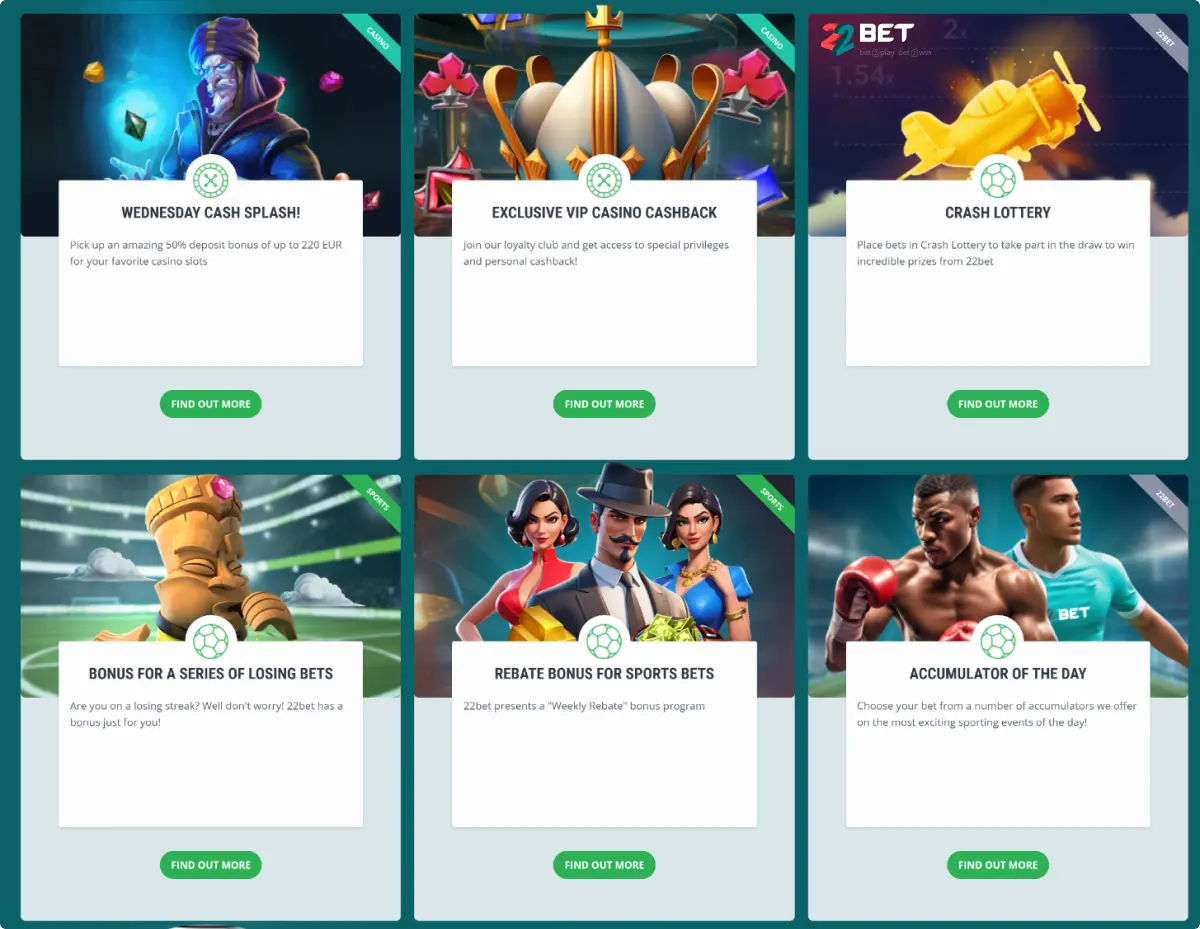
- Promotions: Open the offer in the official promotions, read percentage/cap/timer/stake cap/eligibility, and hit Take Part before you deposit; weekly reloads and free spins are visible on mobile too.
- Notifications: Settlement and price-change prompts so you don’t miss anything.
After using these features for a week, you’ll find that the app will remember your preferences and recommend markets based on them. Hence, you can instantly access your favourite casino games and quick bets for sports.
How to Register Using the App
You can register on the app or mobile web, and you’ll see three sign-up options: By Phone, Full Registration, or Social Networks and Messengers. Pick the one that fits how you want to log in later.
- Option 1: By Phone: Tap Registration → By Phone, enter your Nigerian number, choose NGN (Nigerian naira), then confirm the SMS code to finish.
- Option 2: Full Registration: Tap Registration → Full Registration, enter your details (name + contact info), create a password, choose NGN, accept 18+ / Terms, then confirm via SMS/email if prompted.
- Option 3: Social Networks and Messengers: Tap Registration → Social Networks and Messengers, choose your preferred service, approve the connection, then select NGN and complete any required profile fields.
After you’re in, open My Account and complete Date of Birth and Address so withdrawals don’t get delayed later. If you plan to use 22Bet bonuses, turn on Participation in bonus offers before your first deposit.
RegistrationThe Mobile Website Version
If you want to test everything before getting the app, 22Bet mobile mirrors the core experience—sports, live, 22Bet casino, promos, and cashier. It’s a good way to explore markets and providers before you install, and your account works across web and apps with the same wallet.
When we stick to mobile web: quick checks, small singles, or when storage is tight. When we switch to the app: busy with in-play slates, live tables, or when we want notifications, and faster state restore.
22Bet Games Compatible with Mobile
The casino side is fully playable on the app and mobile web.
- Slots: Good examples include Gates of Olympus, Sweet Bonanza (Pragmatic Play), and Book of Dead (Play’n GO).
- Live tables: Blackjack, roulette, baccarat, poker variants, and game shows
- RNG table games: If you prefer regular, non-live tables, you’ll also find classic RNG versions of blackjack, roulette, baccarat, and poker-style games that load quickly and play well on smaller screens.
- Crash/instant games: The mobile casino also includes fast games (often called crash or instant titles) where rounds resolve quickly—handy for short sessions when you don’t want to sit at a live table.
You don’t need a second install—the same package gives you the full 22Bet casino app experience.
RegistrationSports Betting on Mobile at 22Bet NG
Live betting is where the app feels most useful. You can follow the match in real time, pin your favourite markets, and place a bet in a few taps without losing your place.
- Markets you’ll use: 1X2, Double Chance, Totals, Handicaps (incl. Asian), Both Teams to Score, Next Goal, plus period lines (1H/2H).
- Slip controls that help: Set auto-accept price changes for minor moves; require reconfirmation for big swings so you keep control.
- Cash Out & Event Builder: Handy for acca management and correlated outcomes—start with small stakes while you learn each league’s rhythm.
If a fixture shows video, pair it with the match centre for calmer reads; if not, the timeline and stats still keep you honest.
Frequently Asked Questions
-
From 22bet.com → Applications/Mobile only. That’s the official route for the 22Bet application on Android.
-
Yes—one account, one wallet. We often browse betting lines on the web, then place and manage bets from the app once matches start.